Open shares the Windows way
Type \\studio-nas\Projects or an smb:// address into the address bar. Sign-ins are kept per server, in your system keyring or only for this login session.
Browse local folders and SMB shares the way you did on Windows. Type a share path, pin the folders you use, and drag files into the apps that accept them.
Zorin OS and compatible Ubuntu or Debian · GNU AGPL v3.0
Latest release on GitHub, with package, checksum, and release notes.
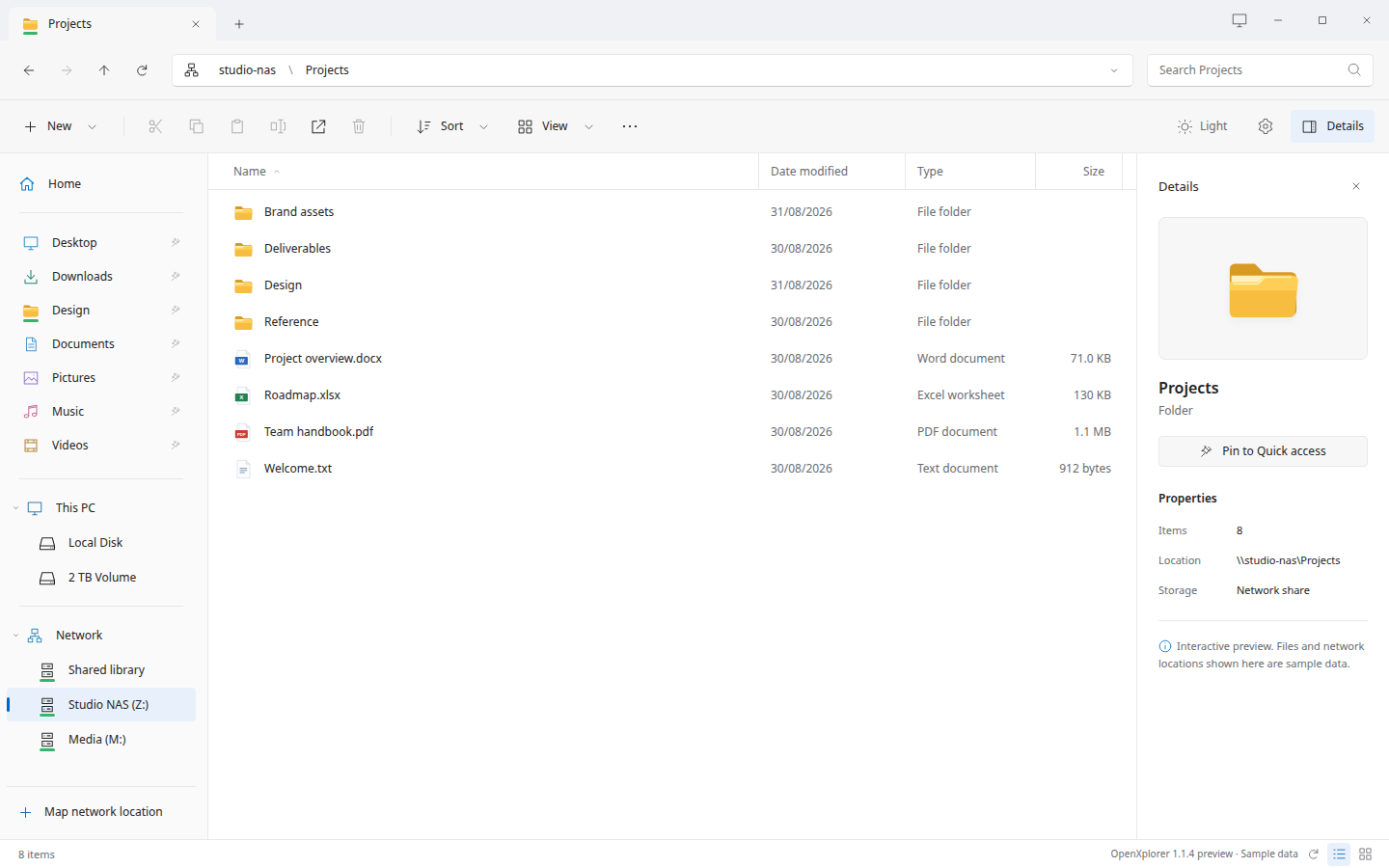
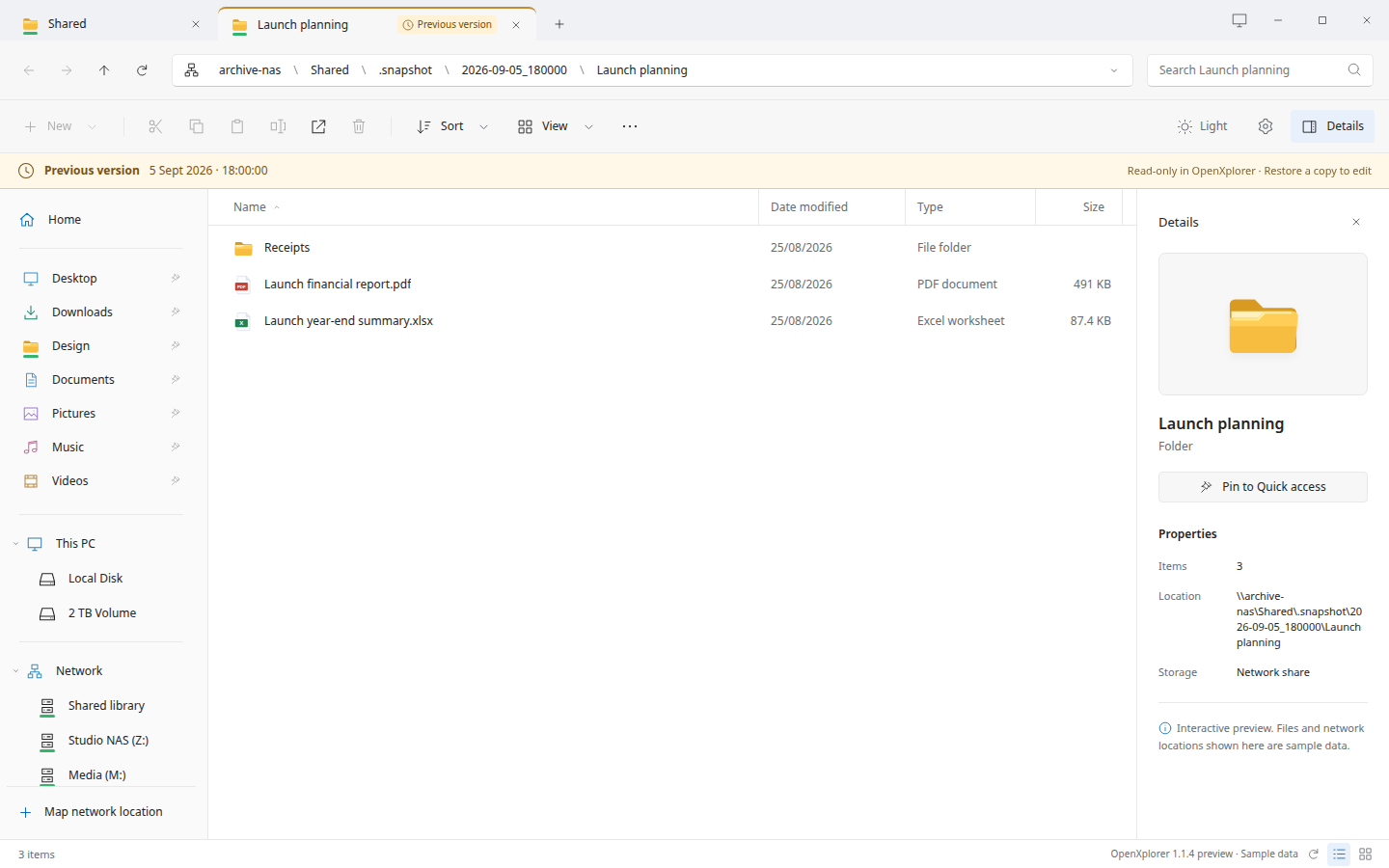
Open a NAS share and it sits in the same window as your local folders, with tabs, a breadcrumb for every level, and a details pane. Snapshots the NAS exposes open as read-only previous versions.
Shares open through GIO/GVfs, the storage layer your Linux desktop already uses. There is no OpenXplorer account, cloud service or relay between you and your NAS.
Type \\studio-nas\Projects or an smb:// address into the address bar. Sign-ins are kept per server, in your system keyring or only for this login session.
Drag files into compatible editors and attachment fields, onto a folder to copy them, or into Quick access to pin a folder. The originals stay where they are.
File dragging & compatibilityOpt folders into a local filename index, then search a disk or a share and open the real location, not a copy in a results list.
How cached search worksRead the code, build the package, or report something that needs attention. The app, this website, the documentation and the build tools share one public repository.